1. Home
  2. Features
  3. Attendance and leave

Attendance and leave

Clock-in that knows people are really on site

Staff clock in from their phones; Keelsum checks the phone is at the site. Lateness and overtime come from the shift, and leave goes to the right people for approval.

Site clock-in, checked

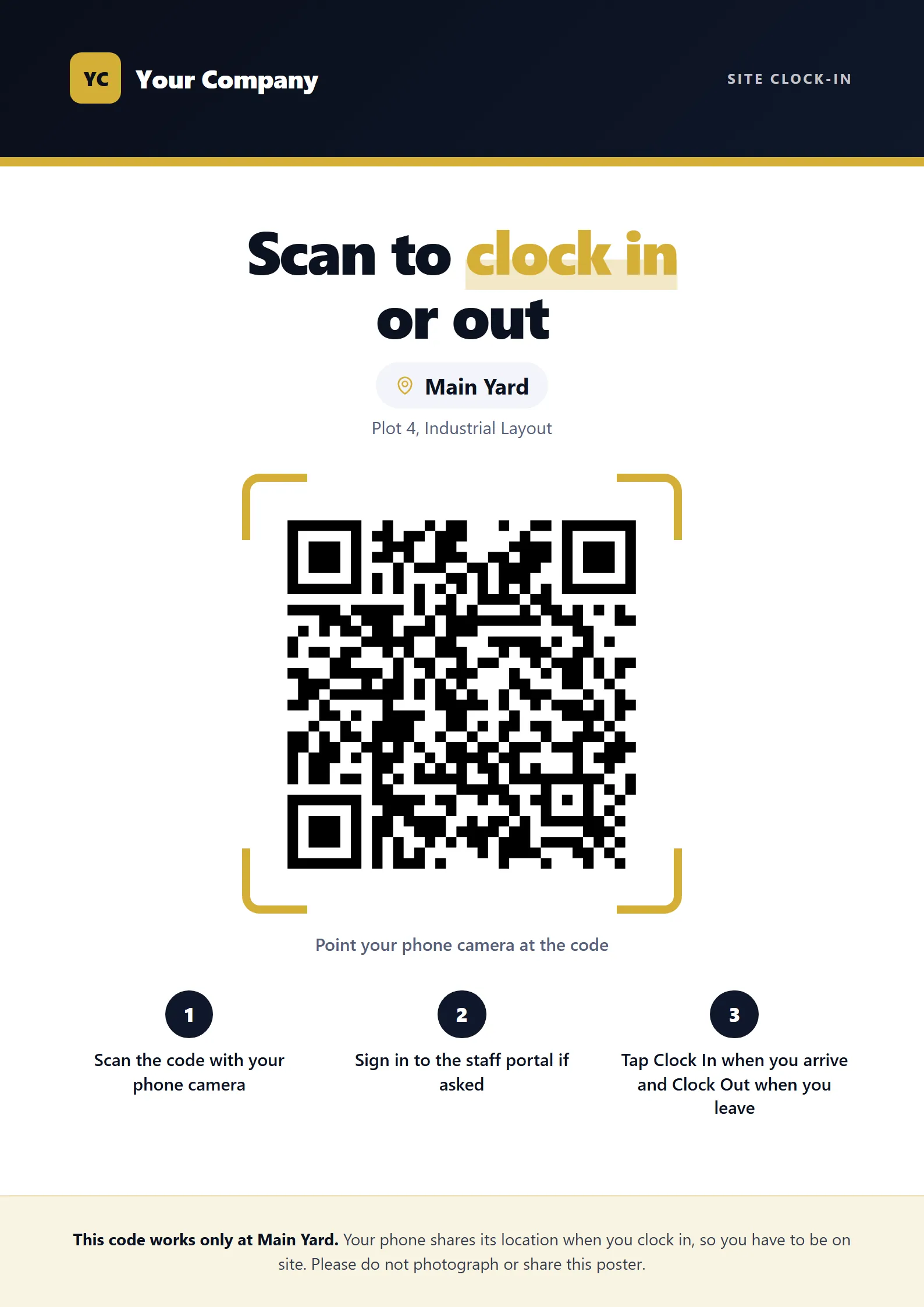
The phone has to be at the site: by GPS, by scanning the QR poster at the gate, or by a live code on a screen that changes every 30 seconds. The location is checked every time, so a photo of the poster taken home clocks nobody in.
  • HR chooses which ways staff may use
  • Remote staff clock in from wherever they work that day
  • No signal? The clock-in waits on the phone and is sent later, for HR to confirm
The QR poster for a site gate, with the site name

Shifts, lateness and overtime

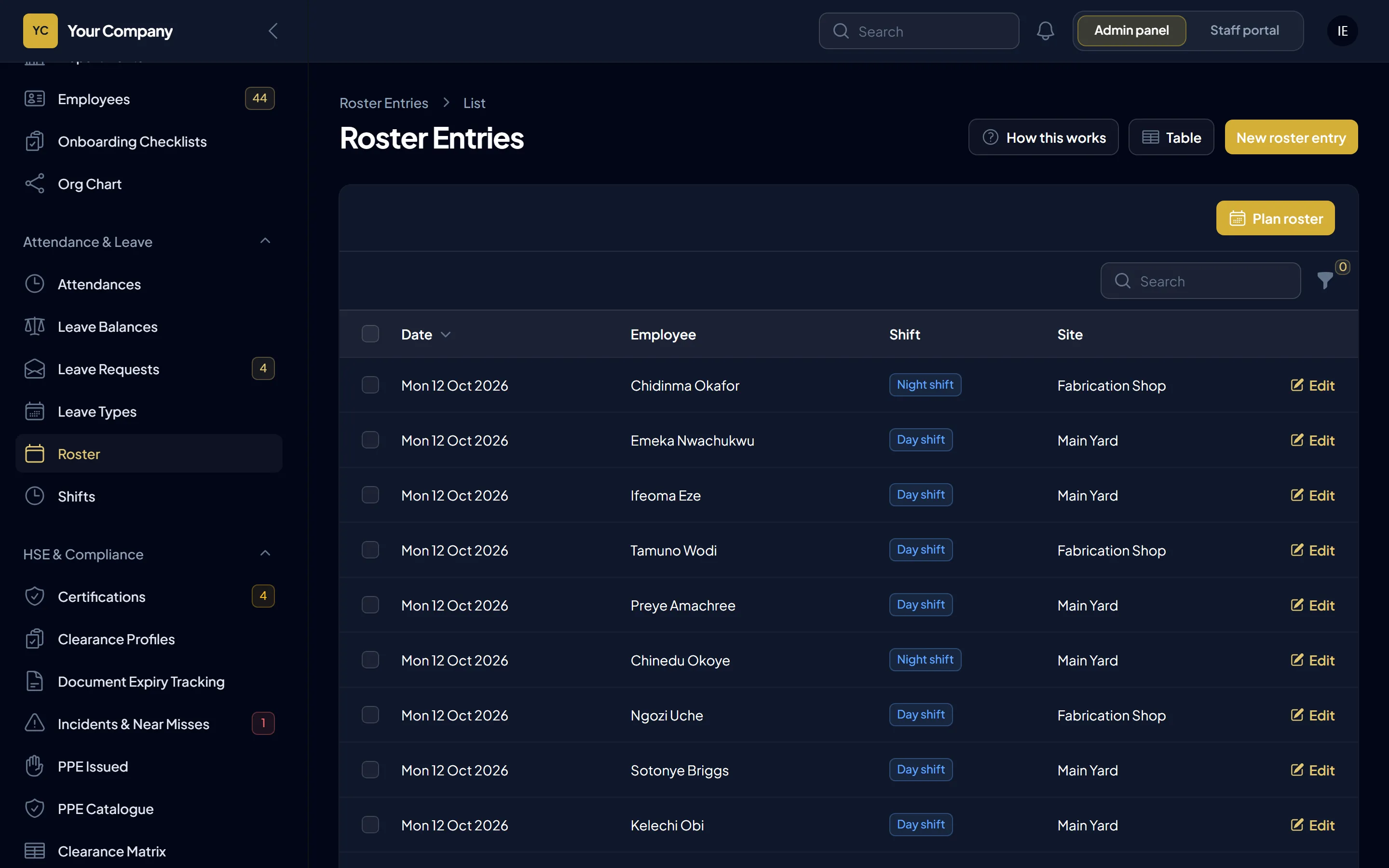
Plan who works where and when. Day and night shifts, grace periods and overtime rules are set once, and late arrivals and overtime are worked out for you.
  • Rosters by site and shift
  • Timesheets for HR and managers
  • Public holidays in the calendar
A weekly roster of shifts by site

Leave that approves itself along the right chain

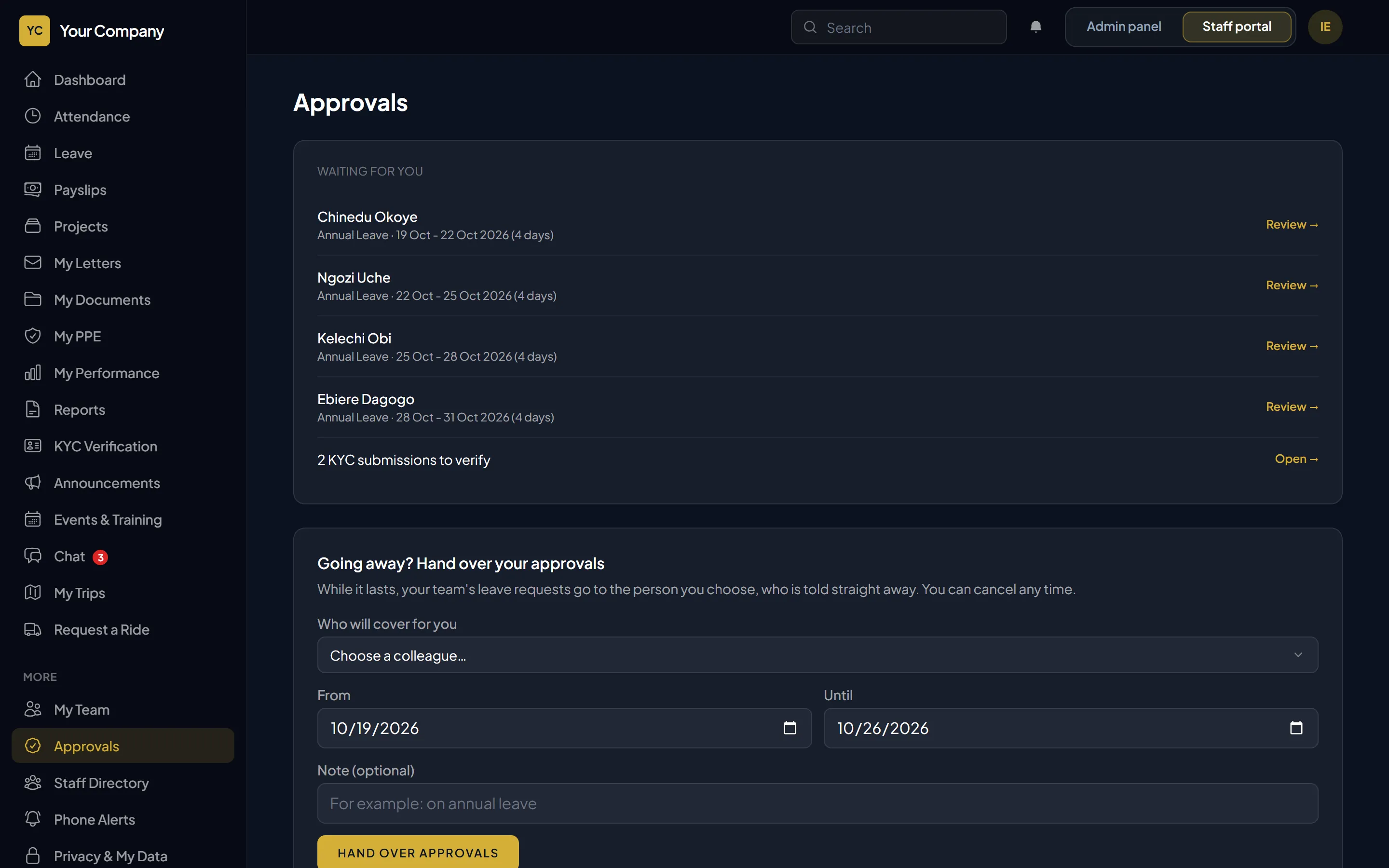
Staff request leave from their phone and see how many days it takes and what is left. Managers approve; HR gives final sign-off when your policy says so.
  • Balances per leave type, with carry-over
  • Approvals handed to a colleague while you are away
  • Everyone affected is told at each step
A manager’s approvals inbox with leave requests waiting for a decision

Works with

Payroll

PAYE, pension, NHF, loans and payslips, posted to the books when paid.

Read more

Safety and compliance

Who is cleared to work, certificates and their expiry, PPE and incidents.

Read more

People and HR

Records, hiring, onboarding, letters, performance and data protection.

Read more

See it with your own scenarios

A 30-minute walk-through using your sites, your leave rules and your payroll, and a straight answer on hosting it on your own server.

Chat with us on WhatsApp