Shared cPanel hosting
Everything works. Chat checks for new messages every few seconds instead of instantly.
For IT and technical buyers
Keelsum is installed on a server your company controls, in your office, with a Nigerian host or anywhere you choose. Here is exactly what it needs, how it is installed and updated, and what stays where.
What it needs
A standard Laravel application. If your server runs a modern PHP website, it can almost certainly run Keelsum.
| Item | Needed | Why |
|---|---|---|
| Operating system | Linux (for example AlmaLinux or Ubuntu), with or without cPanel | Where the application runs |
| PHP | 8.3 or later, with bcmath, ctype, curl, dom, fileinfo, gd, intl, mbstring, openssl, pdo_mysql, tokenizer, xml and zip | Keelsum is built on Laravel 13 |
| Database | MySQL or MariaDB (InnoDB) | Records, payroll and the books, with transactions |
| HTTPS | A certificate on your address (free from your host is fine) | Site clock-in by location, the phone app, fingerprint sign-in and calls only work on secure sites |
| Scheduled task | One cron entry, every minute | Reminders, expiry alerts, nightly backups, depreciation |
| Disk space | Room for uploads and backups to grow | Documents, photos and nightly backups |
| Your mail server or any SMTP service | Payslips, alerts and password resets |
Everything works. Chat checks for new messages every few seconds instead of instantly.
Adds instant chat and notifications, and faster pages. Recommended once you have more than a few dozen staff.
Voice calls over data (a small relay service), SMS or WhatsApp alerts through your own provider account. All off until you choose them.
Getting started
1. Check
PHP version, extensions, database, disk space, HTTPS and existing backups, and tell you if anything needs your host’s help.
2. Install
On an address you choose (for example hr.yourcompany.com), with your company name, logo, departments, sites and leave rules.
3. Hand over
Your staff imported from your sheet, your HR and admin accounts created, and your team trained.
Everything your company keeps in Keelsum stays on your server: staff records, IDs, contracts, payroll, the books, chats and files. We do not hold a copy.
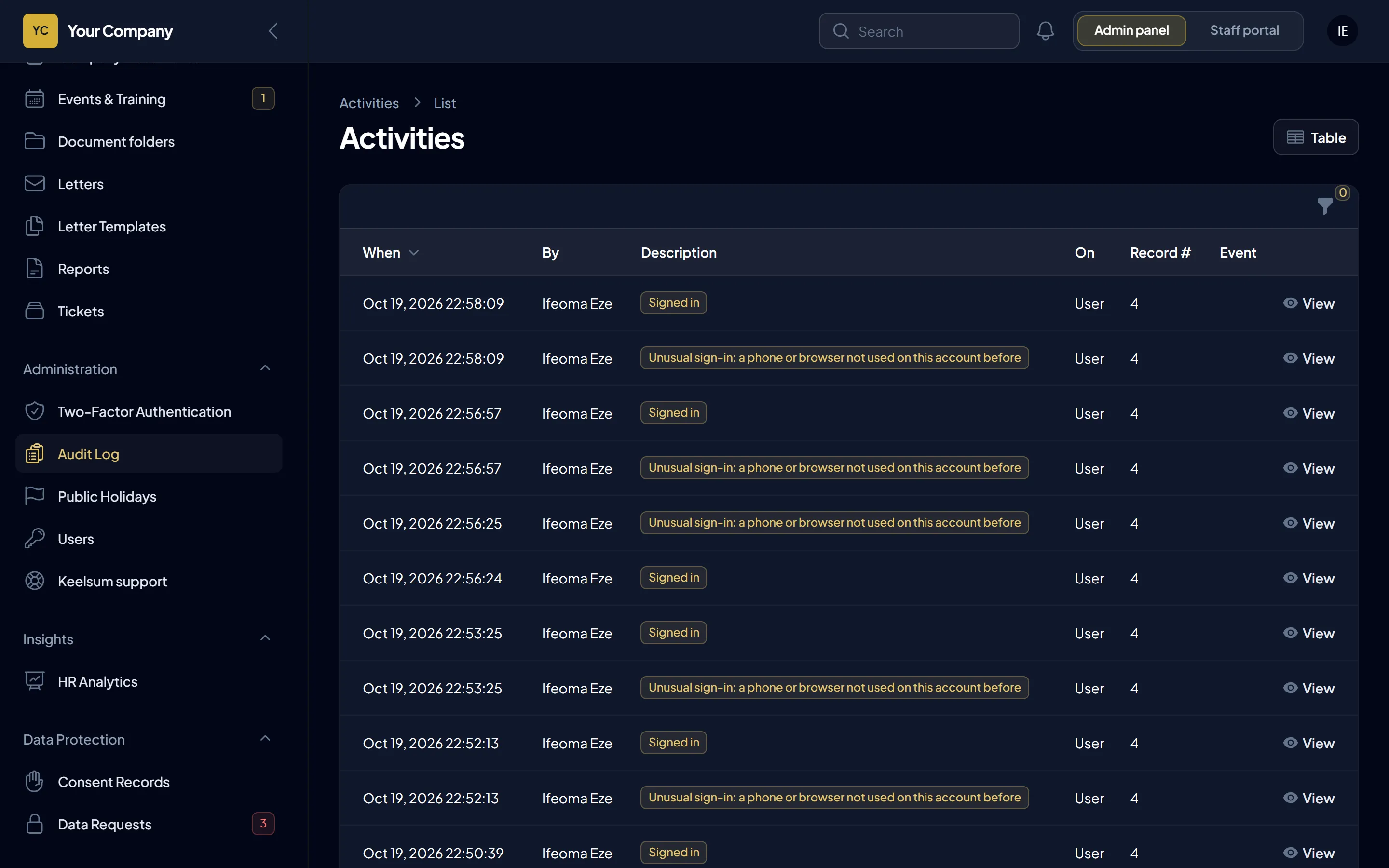
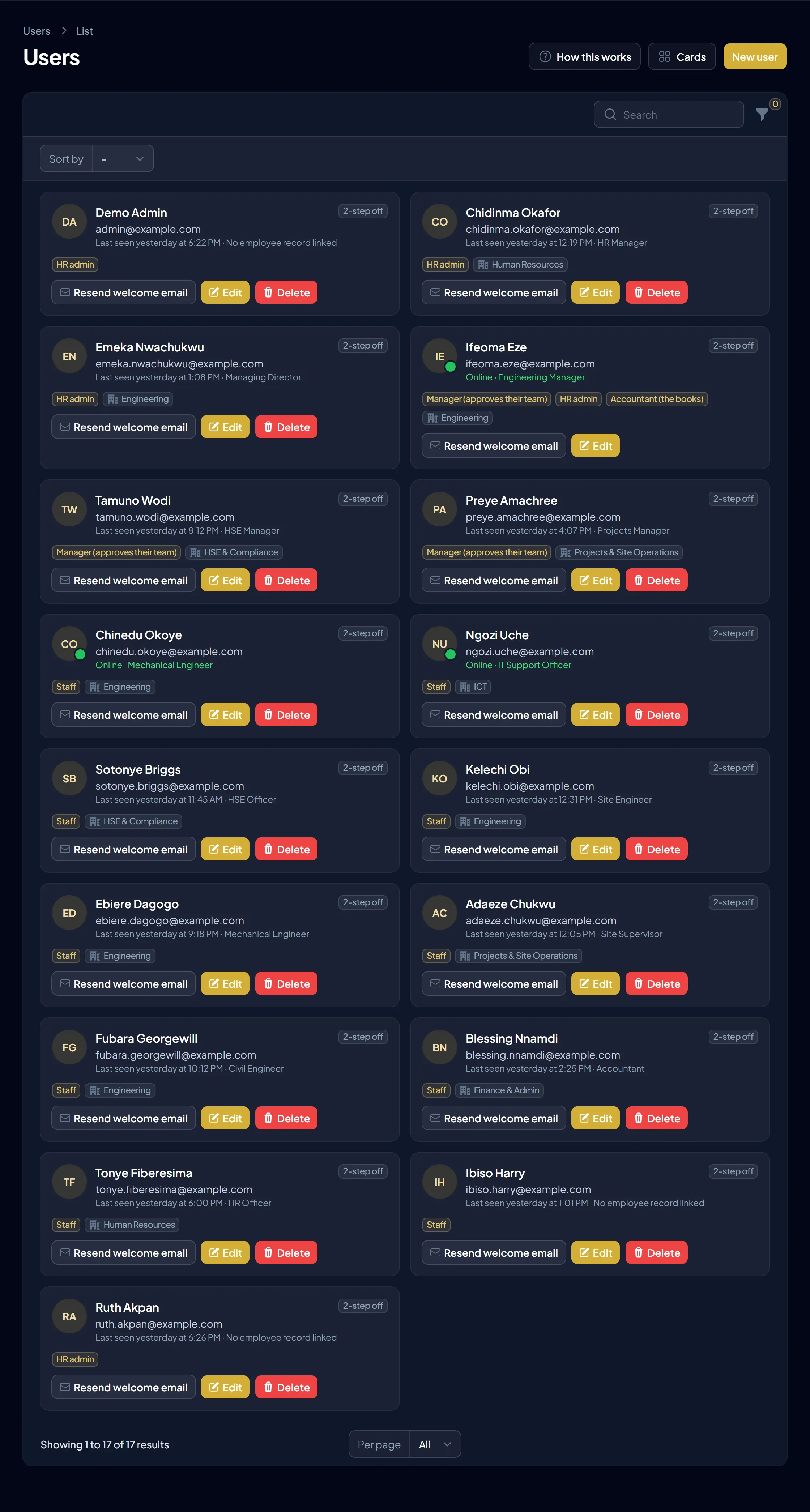
Each role sees only what it should, HR and the books are kept in separate hands, and every important change is logged.
Security and data protection in full, including when we can and cannot see your data.
Running it
The database and uploaded files are backed up every night, can be protected with a password, and copied off the server to S3-compatible storage you choose. A report can be emailed to you.
We install them: a backup is taken first, the system shows a short maintenance notice for a few minutes, and new features and fixes are in place.
Staff phones keep working on weak connections: a clock-in or a chat message waits on the phone and sends itself when the signal returns.
| You (or your IT provider) | Us | |
|---|---|---|
| The server | Hosting bill, uptime, operating system and PHP upgrades | Advice on choosing it; server care available as an add-on |
| Keelsum itself | Giving us access when an update or support is needed | Installation, updates, fixes and support |
| Backups | Storage for off-site copies, if you want them | Setting the nightly backups up and checking they run |
| Domain and email | Your address and mail service | Connecting Keelsum to them |
| Statutory rates | Your accountant confirms them | Updating them in new versions as the law changes |
Questions
Yes, on any Linux server that meets the requirements. For staff to use it from sites and phones, the server needs to be reachable over the internet with HTTPS, which your IT provider can set up.
Yes. Each company gets its own installation, database and address on the same server.
Usually not. Keelsum runs on its own address with its own PHP version, without touching your other sites. We check disk space and backups first.
No. We need access when installing, updating or fixing something. You can open and close it as you like.
Keelsum keeps working on your server. You stop receiving new versions and support until you renew.
A 30-minute walk-through using your sites, your leave rules and your payroll, and a straight answer on hosting it on your own server.