Step 1
Arrive
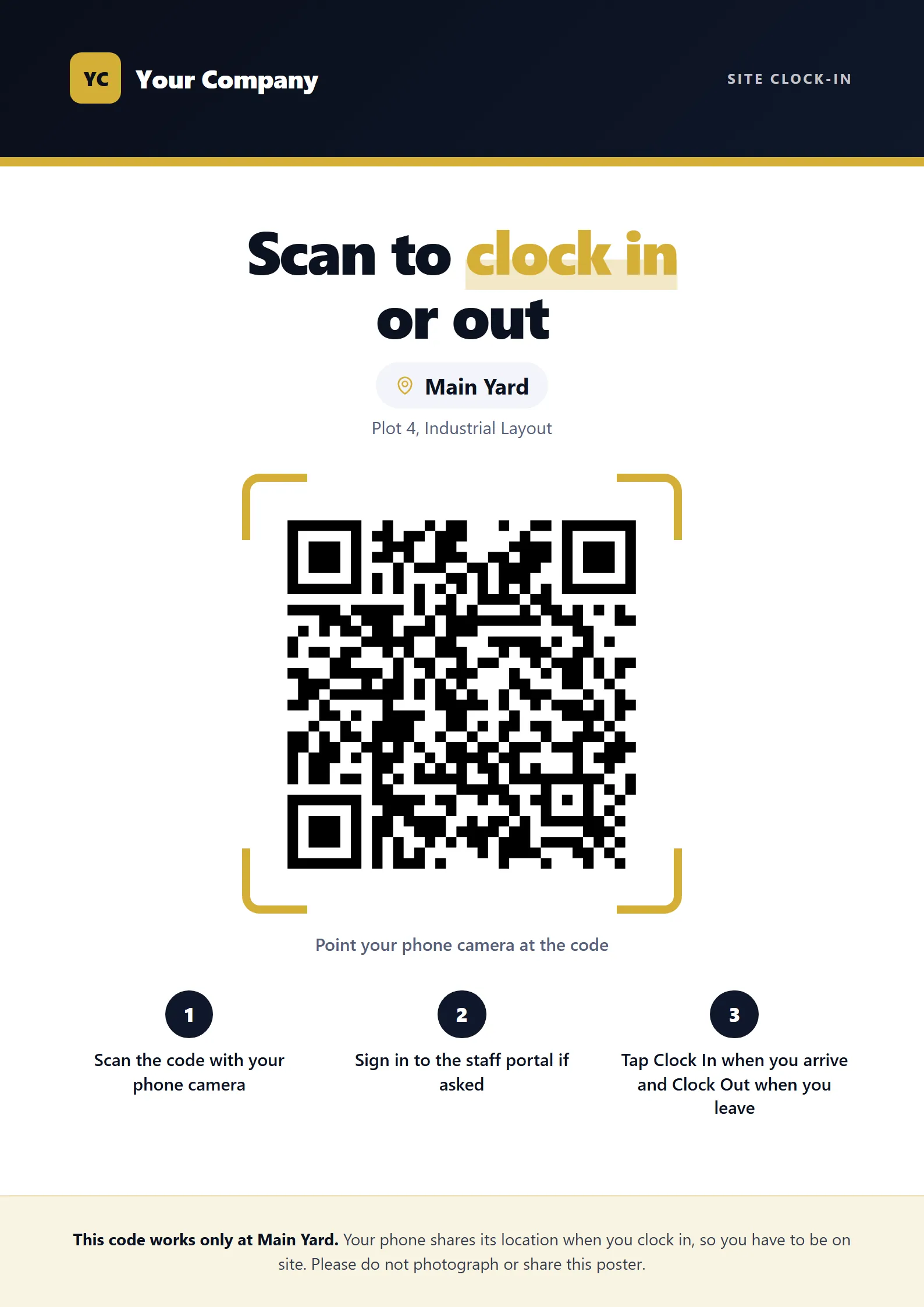
Staff open the portal on their phone at the site, or scan the QR poster at the gate.
Attendance with GPS clock-in
Staff clock in from their own phones, and Keelsum checks the phone is really at the site. No fingerprint machine to buy, no paper sheet to type up.
A sheet at the gate cannot tell who signed for whom, and somebody has to type it up before payroll. Keelsum records each clock-in with the time and the place, checked against the site, and works out lateness and overtime from the shift.
How it works
Step 1
Staff open the portal on their phone at the site, or scan the QR poster at the gate.
Step 2
Keelsum checks the phone’s location against the site. A photo of the poster taken home clocks nobody in.
Step 3
Lateness and overtime come from the person’s shift; people who did not clock in are marked absent in the evening.
Included
Questions
No. Staff use their own phones. You print a QR poster for each site gate, or show the live code on a screen.
The clock-in is saved on the phone with its time and sent when the signal returns, marked for HR to confirm.
Not for a site: the phone’s location must be at the site. Staff marked as remote can clock in from wherever they work.
Yes, from each person’s shift and your overtime rules.
A 30-minute walk-through using your sites, your leave rules and your payroll, and a straight answer on hosting it on your own server.