Step 1
Request
Staff pick the leave type and dates on their phone and see how many working days it takes and what will be left.
Leave management
Staff request leave from their phone, managers and HR approve it the way your policy says, and every balance keeps itself up to date.
Requests arrive by message, approvals wait for a manager who is away, and nobody is sure how many days are left until HR checks a spreadsheet. With Keelsum each request carries its balance, goes to the right person, and is recorded once.
How it works
Step 1
Staff pick the leave type and dates on their phone and see how many working days it takes and what will be left.
Step 2
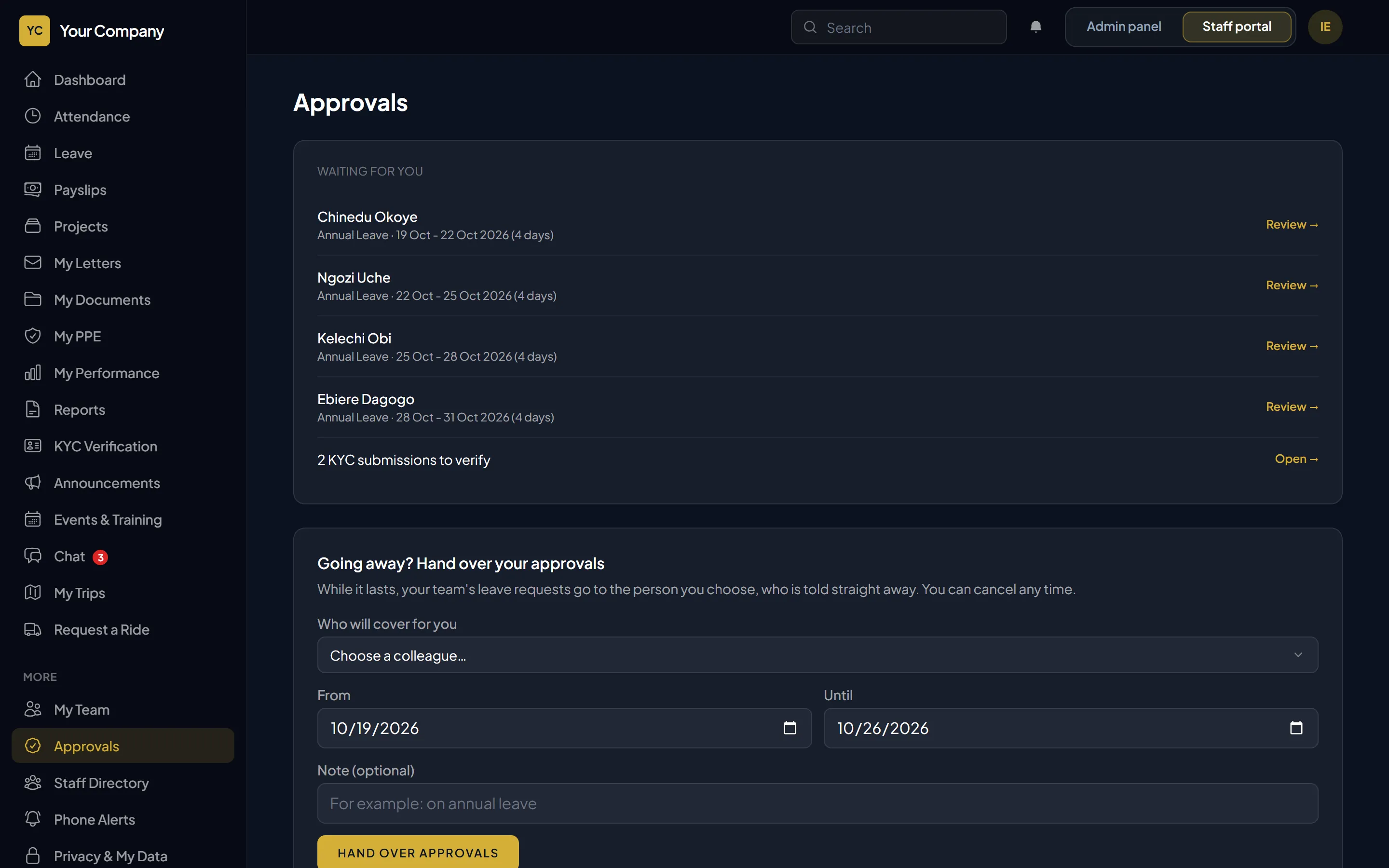
Their manager approves or declines, or the colleague the manager handed approvals to while away.
Step 3
HR gives final approval when your policy says so: manager only, manager or HR, or manager then HR.
Step 4
The balance updates, the person is told on their phone, and unpaid leave flows into payroll.
Included
Questions
Yes. Managers get a notification and approve or decline in the staff portal on any phone or computer.
You choose: the manager alone, either the manager or HR, or the manager first and then HR.
No. Requests count working days only, so a week from Monday to Monday is five days.
Yes. Picking a leave type shows the days left, and picking dates shows how many the request takes and what would remain.
A 30-minute walk-through using your sites, your leave rules and your payroll, and a straight answer on hosting it on your own server.