Step 1
Import
Bring your staff in from your existing spreadsheet in minutes.
Employee management
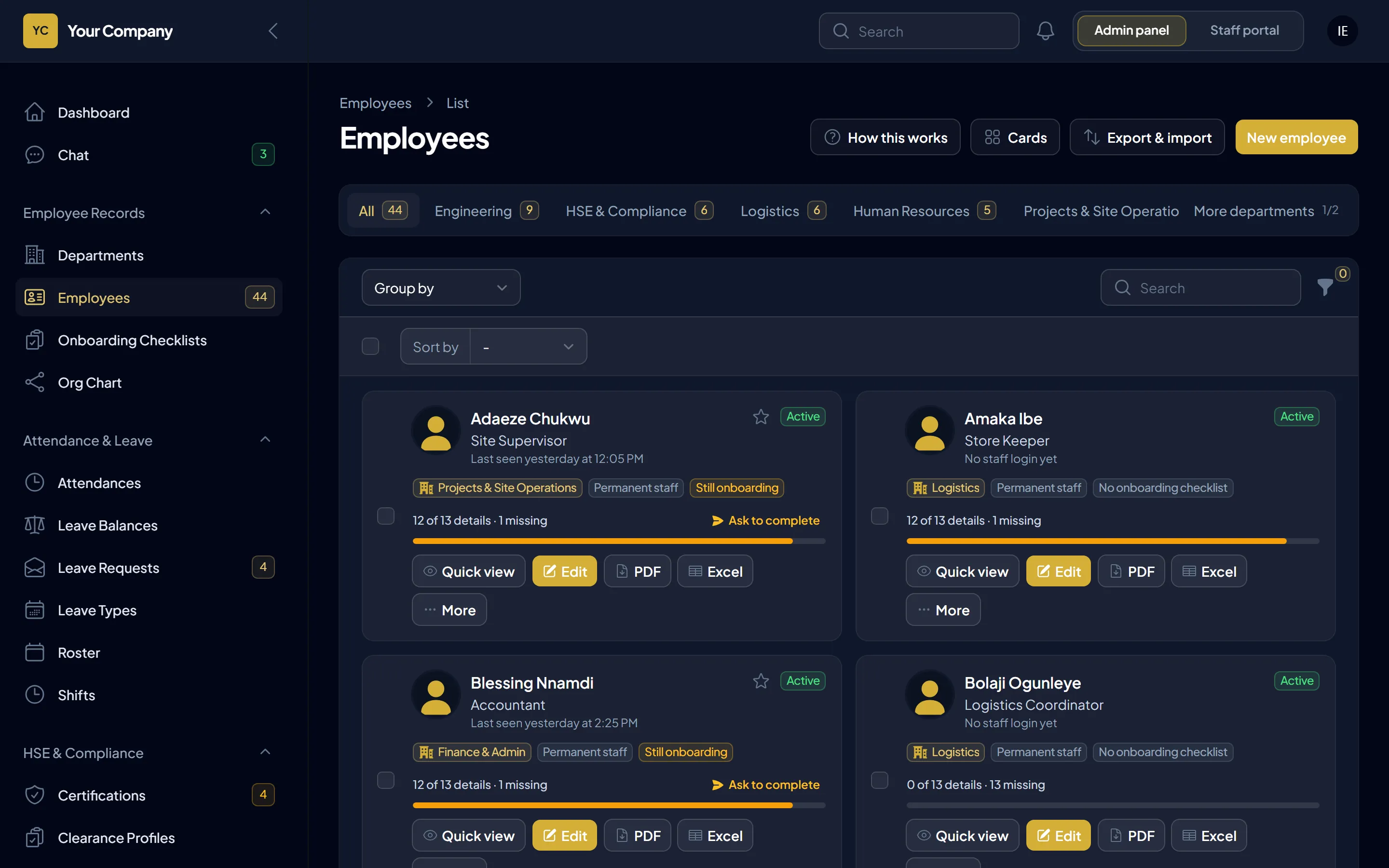
One record for every person, from department and manager to next of kin, with the missing details asked for in one click.
Phone numbers in one sheet, next of kin in another, and nobody knows which records are incomplete. Keelsum shows what each record is missing and asks the person to fill it in themselves.
How it works
Step 1
Bring your staff in from your existing spreadsheet in minutes.
Step 2
See what each record is missing and ask the person to add it in the portal.
Step 3
Departments, managers, the organisation chart, approvals and payroll all work from the same record.
Included
Questions
Yes, from an Excel or CSV file, usually in minutes.
Yes. They fill in missing details in the portal, and HR verifies what needs checking.
A 30-minute walk-through using your sites, your leave rules and your payroll, and a straight answer on hosting it on your own server.